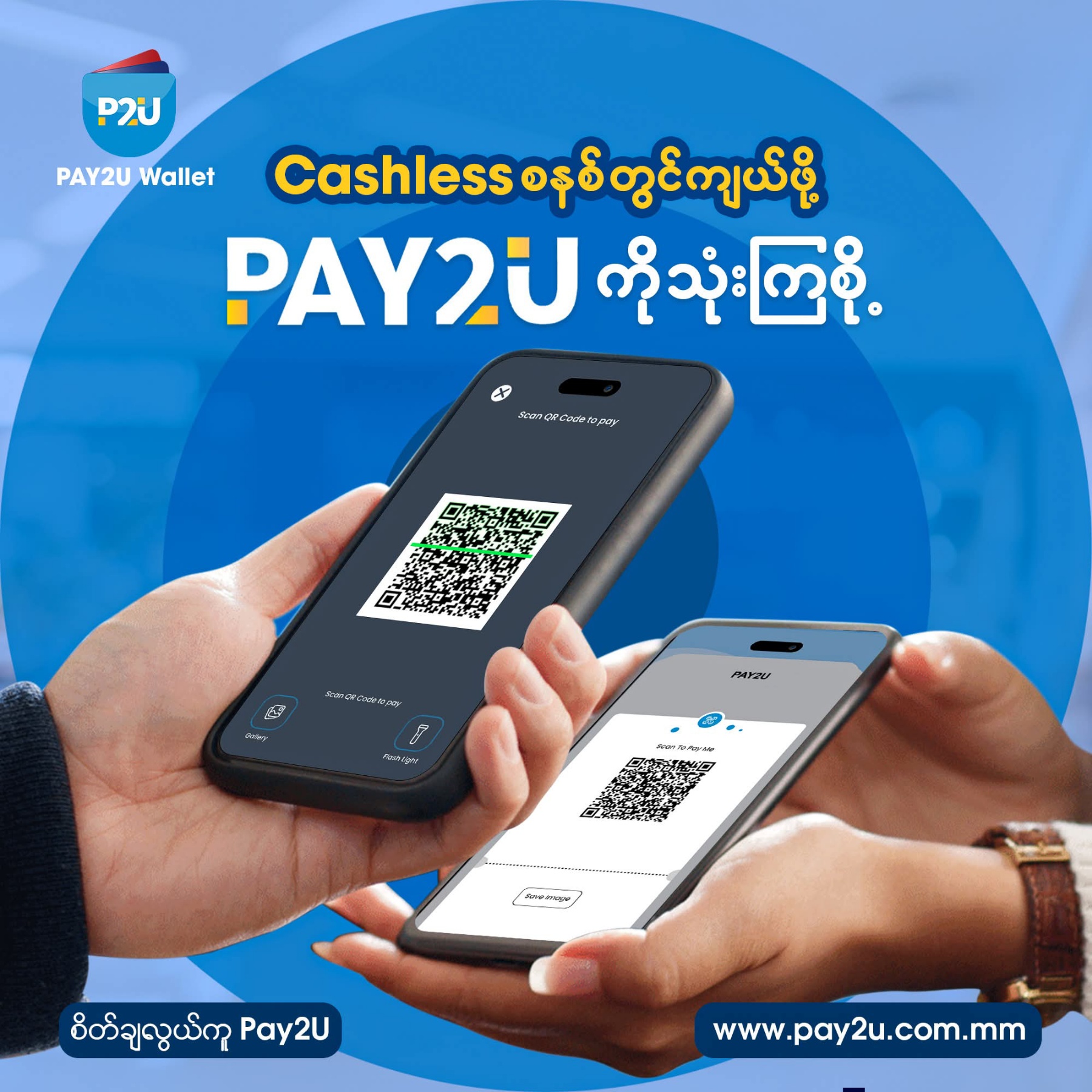
How to send money in just one minute with Pay2U Pay without using cash
❝Method (1)❞
🔸Open the app using your secret number
🔸Open the QR Scanner
🔸Scan the QR Code provided by the store, shop, or online shop
🔸Enter the amount of money
🔸Enter your secret transfer number and confirm the payment
❝Method (2)❞
🔸Open the app using your secret number
🔸Open the QR Scanner
🔸Scan the QR Code with the payable amount from the store, shop, or online shop
🔸Check if the amount is correct
🔸Enter your secret transfer number and confirm the payment
Instead of facing problems like losing cash by accident, having money stuck and unusable, or buying extra unnecessarily because you don’t have small change — if you use Pay2U Pay, you can pay exactly without extra. With the cashless system, you’ll get accurate and fast service which gives peace of mind.
Let’s use ❝Pay2U❞ to go big on the “Cashless” system.
You can download and use the Pay2U Pay app from the 𝐀𝐩𝐩 𝐒𝐭𝐨𝐫𝐞 (for iOS users) and 𝐏𝐥𝐚𝐲 𝐒𝐭𝐨𝐫𝐞 (for Android users) now.
View Details
🔸Open the app using your secret number
🔸Open the QR Scanner
🔸Scan the QR Code provided by the store, shop, or online shop
🔸Enter the amount of money
🔸Enter your secret transfer number and confirm the payment
❝Method (2)❞
🔸Open the app using your secret number
🔸Open the QR Scanner
🔸Scan the QR Code with the payable amount from the store, shop, or online shop
🔸Check if the amount is correct
🔸Enter your secret transfer number and confirm the payment
Instead of facing problems like losing cash by accident, having money stuck and unusable, or buying extra unnecessarily because you don’t have small change — if you use Pay2U Pay, you can pay exactly without extra. With the cashless system, you’ll get accurate and fast service which gives peace of mind.
Let’s use ❝Pay2U❞ to go big on the “Cashless” system.
You can download and use the Pay2U Pay app from the 𝐀𝐩𝐩 𝐒𝐭𝐨𝐫𝐞 (for iOS users) and 𝐏𝐥𝐚𝐲 𝐒𝐭𝐨𝐫𝐞 (for Android users) now.