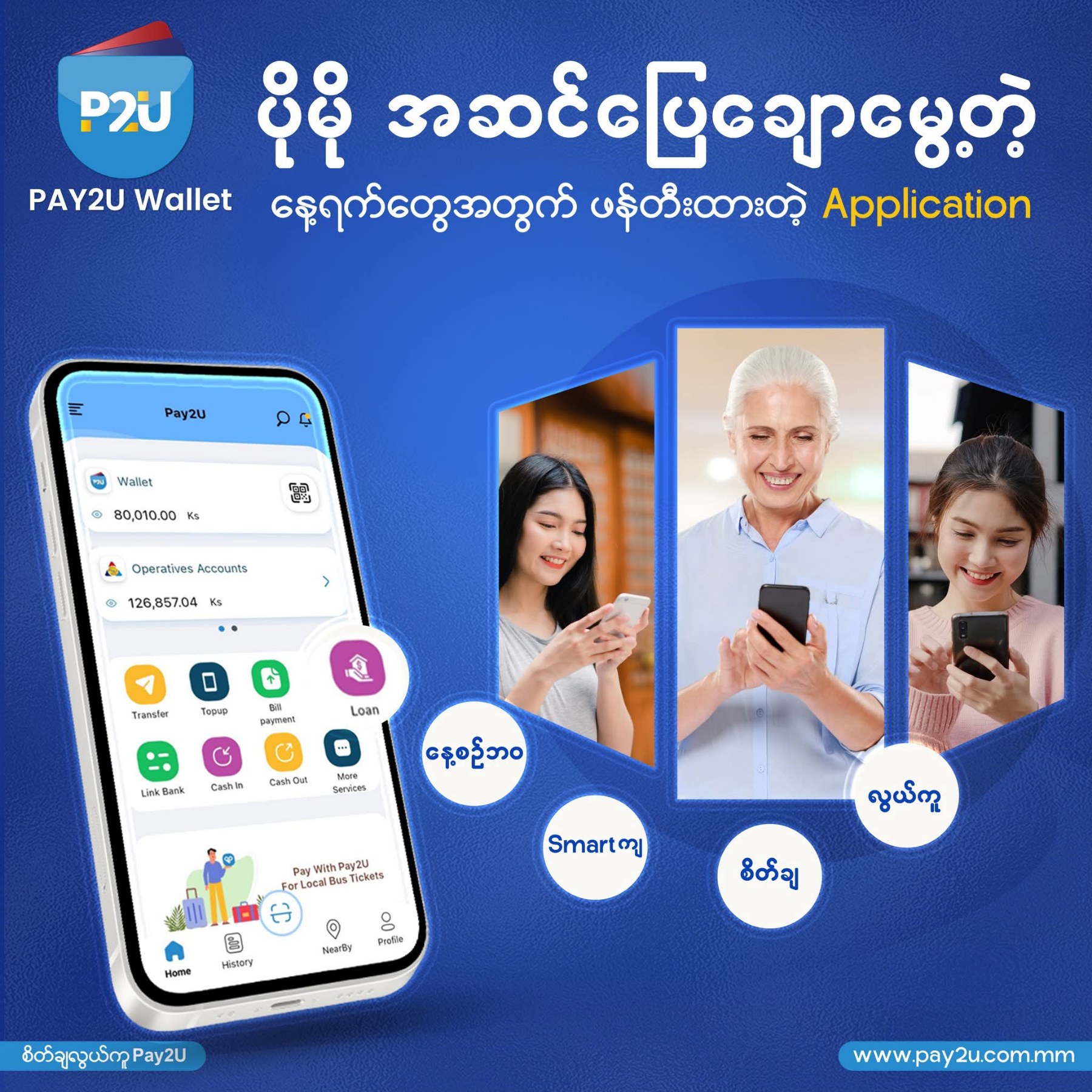
It's important to keep your valuable money safe.
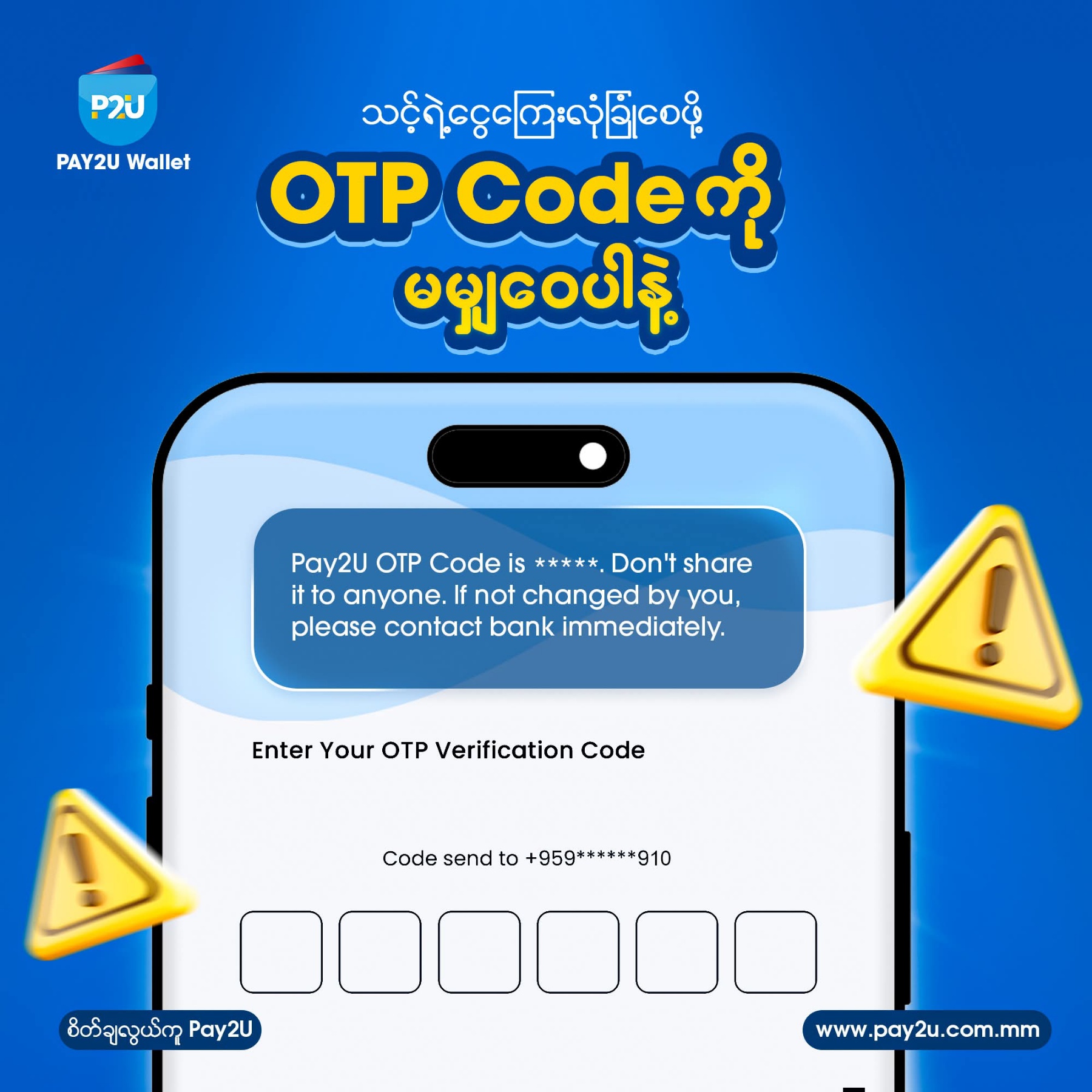
As friends, if you ever start suspecting that others might have guessed your secret number, you should change your ❝Passcode (secret number)❞ to be more secure.
Here’s a step-by-step guide on how to change your Passcode:
🔸 Go to the Menu at the top left corner of the application.
🔸 Then, click on Settings.
🔸 To change the passcode needed to log in to the application - click ❝𝐂𝐡𝐚𝐧𝐠𝐞 𝐋𝐨𝐠𝐢𝐧 𝐏𝐚𝐬𝐬𝐜𝐨𝐝𝐞❞
- In the Passcode field, enter your current passcode you are using.
- In the New Login Passcode field, enter the new passcode you want to use.
- In the Confirm New Login Passcode field, re-enter the new passcode to confirm it.
- Once everything is complete and your passcode is secure, click “Save.”
These steps are the ones to follow to change your application login password.
🔸 To change the passcode used for financial services, click on ❝𝐂𝐡𝐚𝐧𝐠𝐞 𝐓𝐫𝐚𝐧𝐬𝐚𝐜𝐭𝐢𝐨𝐧 𝐏𝐚𝐬𝐬𝐜𝐨𝐝𝐞 (to change the money transfer password)❞. (The remaining steps are as mentioned above) - In the Passcode field, enter your current passcode - In the New Transaction Passcode field, enter the new passcode you want to use - In the Confirm New Transaction Passcode field, re-enter the new passcode you just entered - If everything is correct, click “Save” This way, you can change your Transaction Passcode. Since your digital money is in your hands, it’s your responsibility to keep it secure. Passcodes should not be shared, and if you ever suspect someone else knows it, I recommend changing it in time. Secure and trustworthy financial services.